

mPOS & SoftPOS: Integrating Tap-to-Pay Across the Store Network

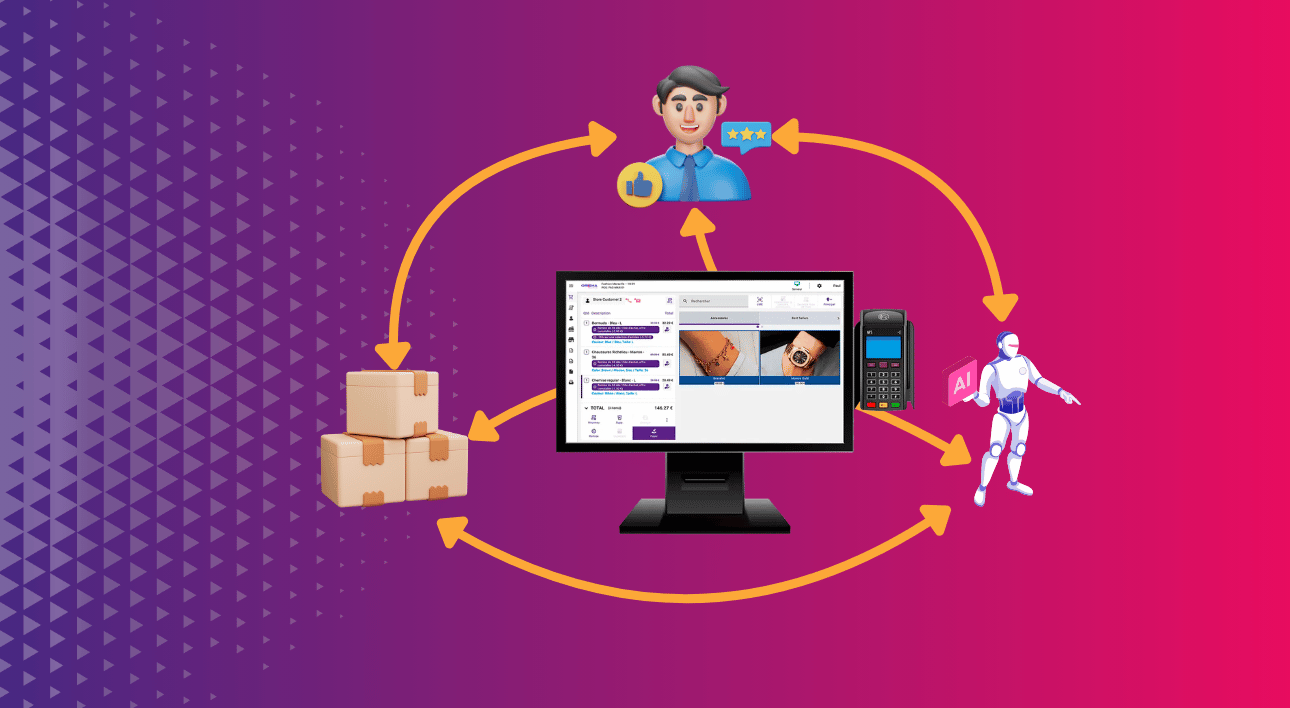
With mPOS, SoftPOS, and Tap-to-Pay journeys, retailers are now equipped to transform payment acceptance into a true performance driver. This evolution is redefining unified payment management and creating seamless customer journeys across the entire network.
This article provides an operational guide to understanding these technologies, comparing their benefits, and integrating them effectively into a unified retail environment.
mPOS vs. SoftPOS: When to Choose One, the Other… or Both?
mPOS solutions rely on a smartphone or tablet paired with a secure payment terminal. This model is ideal for retailers who require the ability to accept all payment methods / options.
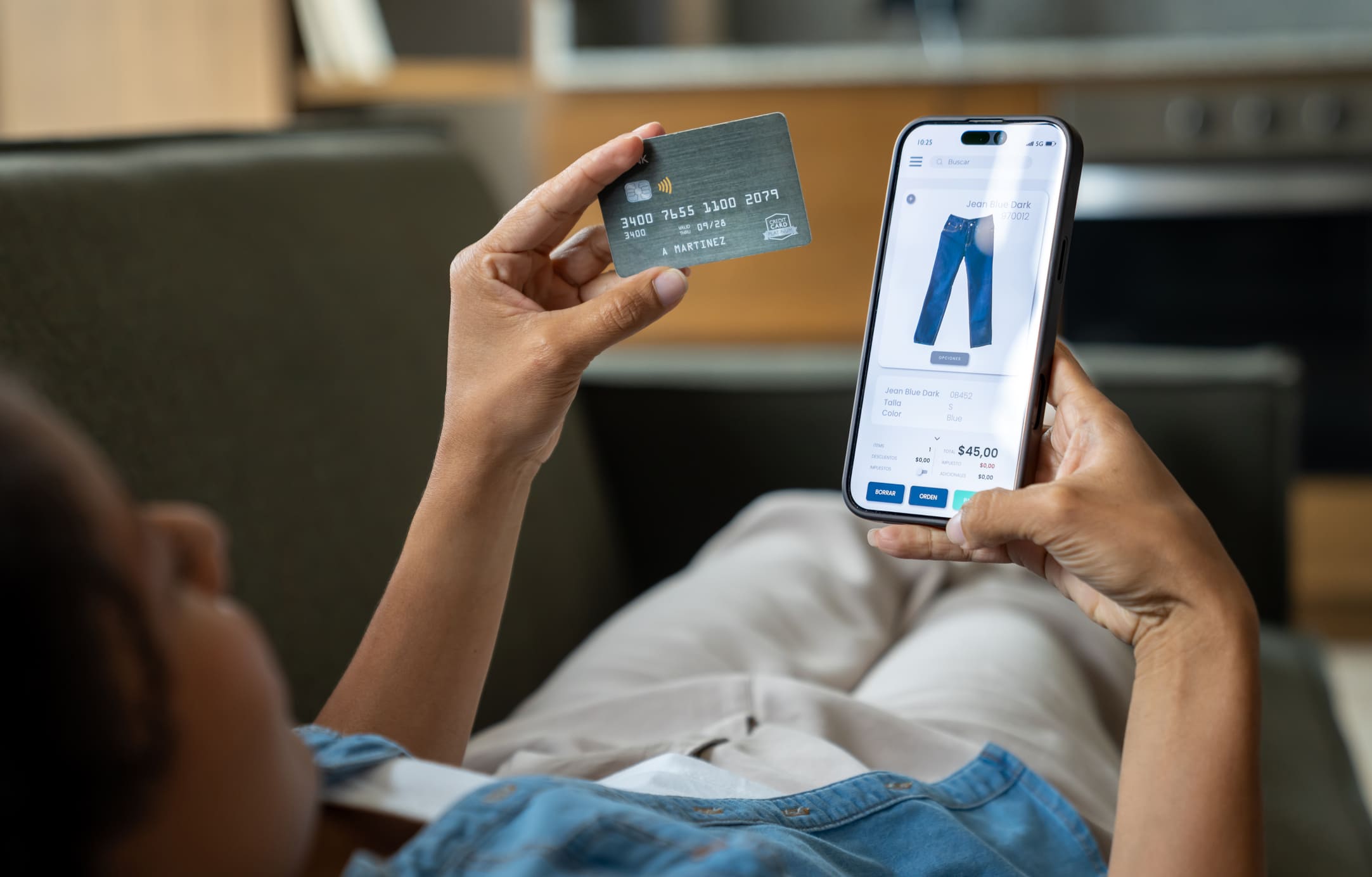
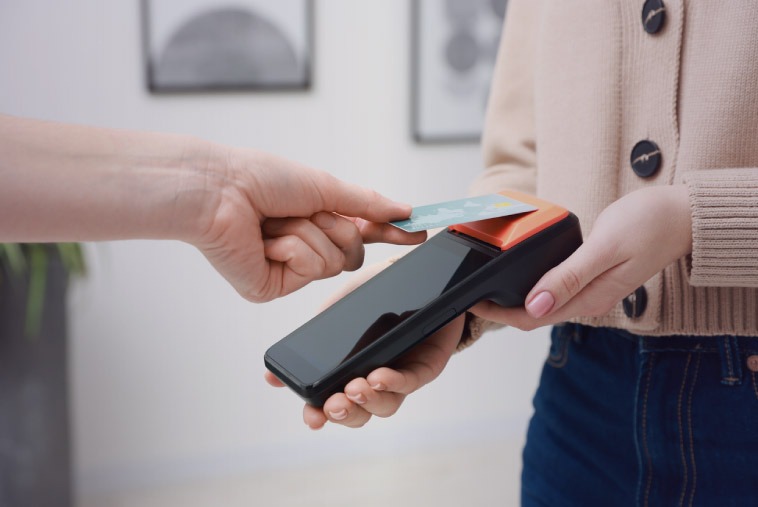
SoftPOS, conversely, directly transforms an NFC-compatible mobile device into a contactless terminal. It is the go-to choice when rapid deployment and mobile payment capabilities are top priorities. SoftPOS streamlines operations and paves the way for Tap-to-Pay adoption.
For most networks, the optimal strategy involves a hybrid approach. mPOS ensures full compatibility with all payment methods / options and handles complex sales scenarios. Meanwhile, SoftPOS is perfect for absorbing traffic peaks, significantly expanding in-store mobility, and reducing total cost of ownership.
Integration Architecture
Integrating a mobile POS solution hinges on the communication between the POS software and the payment module. Two primary approaches exist:
- App-to-app integration launches the payment application directly from the POS interface via a secure URL. It is quick to deploy and minimally intrusive to the existing architecture.
- SDK integration runs deeper, offering extensive control over data flows, logs, and the user experience. It optimizes performance and reliability in high-intensity retail environments.
The payment gateway centralizes transaction management, tokenization, authorization rules, and compatibility with EMV schemes. When combined with Single Sign-On (SSO), authentication becomes seamless for store teams. Furthermore, Mobile Device Management (MDM) ensures that all devices remain compliant and secure.
In an mPOS model, peripherals complete the architecture: card readers, charging docks, and portable printers. Conversely, the SoftPOS model limits hardware constraints to the NFC-compatible mobile terminal.
Security & Compliance
Mobile POS security is grounded in strict adherence to PCI standards. SoftPOS architectures are built on CPoC and CPoC+PIN frameworks, which outline the technical requirements for accepting payments on commercial off-the-shelf devices. Conversely, mPOS solutions rely on PCI PTS certified hardware.
Compliance with EMV schemes dictates how transactions are protected. Data flows must adhere to EMV mechanisms for cryptogram generation, online authorization rules, and tokenization processes. Additionally, OS attestations certify the integrity of the operating system and ensure the device has not been compromised.
To learn more: Orisha Commerce strengthens its collaboration with Decathlon through the deployment of the Orisha Commerce mobile POS solution.
PIN on COTS & Operational Limits
Accepting a PIN on a commercial device (PIN on COTS) expands SoftPOS capabilities by enabling the processing of payments that exceed standard contactless limits. This model is based on enhanced security requirements defined by PCI CPoC+PIN, allowing the terminal to perform transactions requiring strong authentication.
Despite these advances, certain limitations remain. Transaction limits authorized by banks and EMV schemes can vary by country and card type. Furthermore, scenarios involving PIN entry on a touchscreen must meet specific constraints regarding brightness, readability, and screen resistance.
Not all smartphones are eligible for PIN on COTS; lists of certified devices are updated gradually. For many retailers, this necessitates a hybrid approach: using SoftPOS for quick, contactless transactions, and an mPOS equipped with a certified reader for payments that require PIN entry.
Offline Mode & Recovery
Offline mode allows for the temporary acceptance of payments without network connectivity. Strict rules govern amounts, the number of consecutive transactions, and the types of allowed cards. However, this operation exposes the retailer to a risk of rejection during subsequent synchronization. Therefore, the payment engine must include guardrails, such as dynamic threshold control, anomaly detection, or the automatic deactivation of offline mode in the event of suspicious behavior.
As soon as the connection is restored, pending transactions must be uploaded to the gateway. For a store network, centralized monitoring prevents financial losses and allows for the continuous adjustment of authorization policies.
Device & Network Prerequisites
Devices must be listed on the certified models register provided by the SoftPOS vendor or CPoC/CPoC+PIN programs to guarantee compliance. Furthermore, hardware used in-store must be rugged enough to withstand drops, handling, and frequent charging cycles.
Wi-Fi infrastructure must be scaled to handle load peaks with low latency. A LAN fallback is often essential to maintain payment continuity. Finally, the use of an MDM (Mobile Device Management) application is critical for ensuring centralized control and security.
To learn more: 3 reasons why a mobile POS system increases sales
Use Cases
During peak traffic, queue-busting strategies reduce wait times by rapidly deploying mobile checkout points. Sales associates can finalize a purchase directly in the aisle or guide a customer through a hybrid self-service journey.
In pop-up stores, temporary corners, or shop-in-shop configurations, the lightweight nature of SoftPOS eliminates the need for hardware installation, allowing staff to operate autonomously. Click & Collect also benefits from this approach: sales associates can scan items, hand over the order, and accept payment for any additional purchases on the spot.
Finally, events (private sales, fashion shows, animations, product launches) represent ideal terrain for mobile-first solutions capable of absorbing fluctuating transaction volumes.
Sizing for Queue-Busting
A simple method to quickly estimate the required device count starts with the average checkout time and the maximum volume of customers expected during peak hours.
Basic Formula
Device count = (Customers per minute at peak × Average TPS) ÷ 60
Example
If a retailer needs to handle 20 customers/minute and the average TPS (Time Per Service) is 12 seconds:
(20 × 12) ÷ 60 = 4 devices needed.
Rule of Thumb
- Add 1 extra device to cover contingencies (breakdowns, latency, movement);
- Plan a +20% margin for stores with very high seasonality;
- Review sizing after a 2-week pilot to account for actual team behavior.
KPIs & Monitoring
Managing an mPOS or SoftPOS deployment relies on tracking specific KPIs:
- Time Per Service (TPS): Measures the time required to finalize a transaction, from payment request to authorization.
- Mobile Payment Share: Measures actual adoption by sales teams by tracking the percentage of transactions processed on mobile terminals.
- Checkout Wait Time Reduction: Acts as a direct lever for customer satisfaction and conversion rate optimization. Tracking wait times helps quantify the benefits of in-aisle payments.
- Payment Acceptance Rate: Reflects the system’s ability to correctly process authorizations.
TCO & Deployment
SoftPOS lowers initial capital expenditure (CAPEX) by eliminating the need for specialized terminals. mPOS, while requiring dedicated hardware, offers maximum compatibility with all payment methods / options.
In an mPOS strategy, charging stations, holsters, and portable printers represent additional costs. With SoftPOS, hardware costs are primarily focused on refreshing smartphones or tablets, battery management, and OS hardening policies.
Successful deployment depends heavily on sales associate training. While the simplicity of SoftPOS facilitates adoption, teams must still master authorization rules. For mPOS, the use of additional hardware requires a more structured learning curve.
Mobile Terminal vs. mPOS vs. SoftPOS
| Criterion | Mobile Terminal | mPOS | SoftPOS |
| CAPEX / OPEX | High CAPEX (certified terminals), Moderate OPEX (maintenance / replacement) | Medium CAPEX (smartphone + reader), OPEX linked to mobile renewal and peripheral support | Very low CAPEX (existing devices), OPEX mainly software / MDM |
| Sales Associate UX | Standard, inflexible; requires fixed checkout or dedicated handling | Fluid but dependent on reader connection; robust and familiar process | Highly mobile UX, payment directly in-app; rapid team adoption |
| Customer UX | Traditional journey | Flexible journey | Fully contactless journey |
| PIN Management | Native PIN via physical keypad, no limits | Native PIN on reader; PCI PTS compliant | PIN on COTS (certified devices); country / amount restrictions |
| MDM / Fleet Control | Minimal concern | Recommended for managing mobile, app and reader | Indispensable: OS attestations, hardening, updates, CPoC compliance |
| Offline Mode | Generally supported | Varies by PSP; depends on reader and integration | Restrictive; subject to strict rules |
| Robustness / Durability | Very robust; designed for intensive store usage | Robust depending on accessories; secure reader reliability | Depends on smartphone / tablet; requires certified fleet standardization |
| Network Deployment | Heavy | Moderate | Very fast |
| Preferred Scenarios | Fixed checkout, high regulatory requirements, high volumes | Hybrid mode: mobility and full compatibility, advanced queue-busting | Maximum mobility: pop-ups, shop-in-shop, aisle, events, small formats |
| Global TCO | High | Moderate | Low |
Transaction Flow
- The POS or eCommerce platform initiates a payment request to the PSP, including the amount, context, and order ID.
- The PSP generates the authorization request, applies tokenization, and transmits the secure data to the SoftPOS device.
- The SoftPOS captures the payment method / option via NFC, generates the EMV cryptogram, and triggers PIN on COTS entry if required.
- The PSP processes the authorization in real-time with the card network, then returns a status (accepted, declined, fallback).
- The SoftPOS device displays the result and sends the confirmation back to the POS or eCommerce platform to finalize the sale.
- Back-office systems subsequently perform reconciliation: matching PSP ↔ OMS/ERP data, identifying discrepancies, and generating consolidated financial reports.
60–90 Day Blueprint
The first phase involves launching a multi-store pilot that is representative of the network’s diversity:
- High-traffic points of sale;
- Smaller stores;
- Environments with connectivity or space constraints.
The objective is to validate device compatibility, network stability, gateway performance, and team adoption.
The second phase focuses on industrialization:
- Standardization of the mobile fleet;
- Stabilization of network configuration;
- OS hardening;
- Formalization of the sales associate journey;
- Implementation of centralized monitoring.
Compliance Checklist
- Device listed on the certified models register.
- Active OS attestations.
- Tokenization enabled.
- EMV schemes validated.
- Encrypted transport and verified certificates.
- MDM operational: OS locking, updates, app policy.
- PIN on COTS testing completed.
- Offline mode configured.
- Monitoring systems active.
Responsibilities
- Retailer: Selection of certified devices, MDM, network, and training.
- PSP: PCI/EMV compliance, encryption keys, authorizations, and tokenization.
- Vendor / Integrator: App/SDK security, communication protocols, and monitoring.
By blending mPOS and SoftPOS technologies, retailers can reduce operating costs while increasing operational fluidity. However, the true value lies in the quality of the integration and the ability to deploy these use cases at scale.
Networks that structure this transition effectively strengthen their commercial performance and enhance the in-store experience. Payment acceptance becomes simpler, more mobile, and truly omnichannel.
Frequently asked questions
SoftPOS vs. mPOS: What are the differences?
SoftPOS enables Tap-to-Pay on smartphones (consumer devices managed via MDM), making it ideal for support, peak times, and pop-ups. mPOS relies on professional terminals and accessories (reader, dock, scanner), which are better suited for intensive in-store usage. Many retailers combine both.
What are the security requirements for SoftPOS?
Security requirements include PCI compliance (CPoC / CPoC+PIN), EMV management, tokenization, OS hardening, integrity attestation, SSO/MDM, and real-time supervision (logs, alerts). Flows and evidence must be audited.
Can payments be accepted offline?
Yes, but only under strict rules (transaction limits, authorized card types, risk scoring) and with robust synchronization recovery. It is essential to document exactly what is permitted versus forbidden and to trace every operation.
Which KPIs should be tracked at launch?
Key metrics include TPS (Transactions Per Second), percentage of mobile payments, median queue time, card acceptance rate, failure rates by cause (network, terminal, SCA), and sales associate adoption.
Article originally published on 25 January 2025, updated on 16 December 2025